
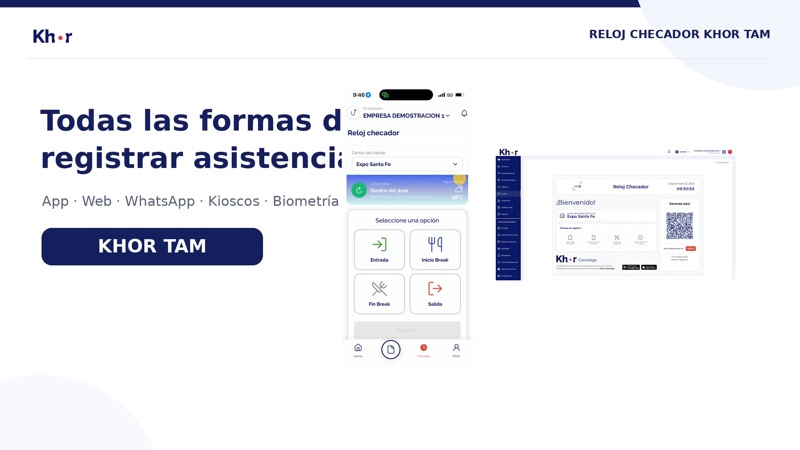
Khor TAM · Time clock
Cloud time clock and attendance tracking
From attendance to payroll incidents.
Cloud time clock: your team clocks in and out from the app with geofencing or face recognition, a QR kiosk or a ZKTeco device. Incidents are calculated automatically and, once approved, flow into payroll.
At a glance
Clock-in methods8
GeofencingYes
DevicesZKTeco and BioStar
Payroll linkNomikhor
Pricefrom $17.00 / worker (Complete plan)
Video
Every way to track attendance, in 30 seconds
App, web, WhatsApp, kiosks and biometric devices: your team chooses how to clock in and the cloud time clock brings it all together.
- Seven ways to clock in, one platform
- Incidents calculated automatically, ready for payroll
Ways to clock in
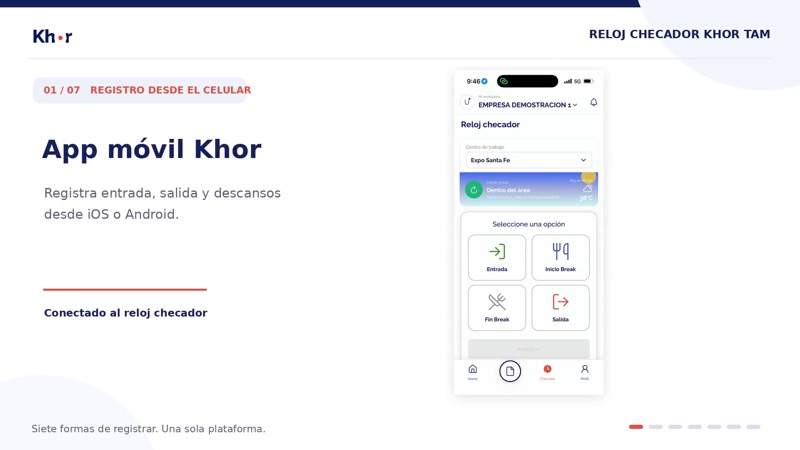
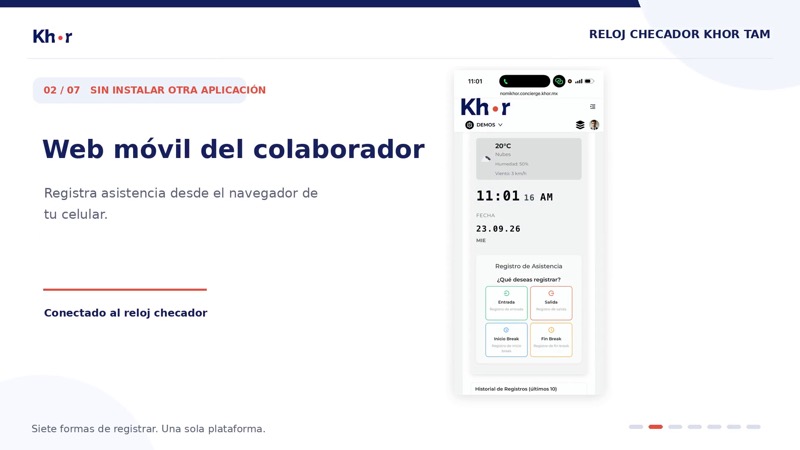
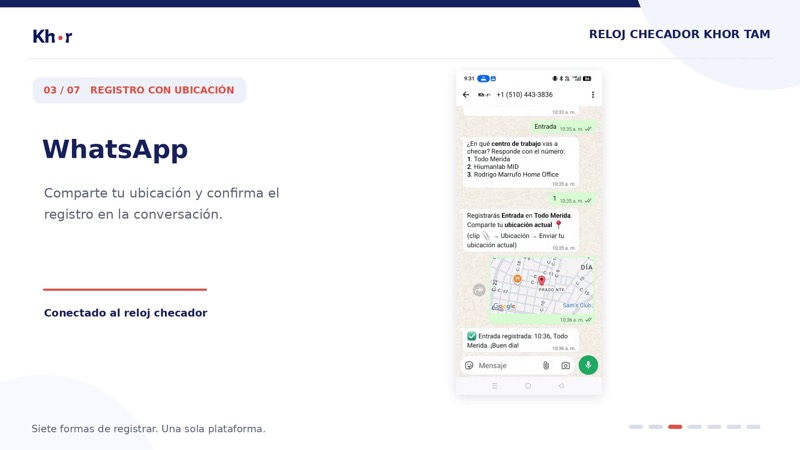
Seven ways to clock in with the same time clock
How it connects
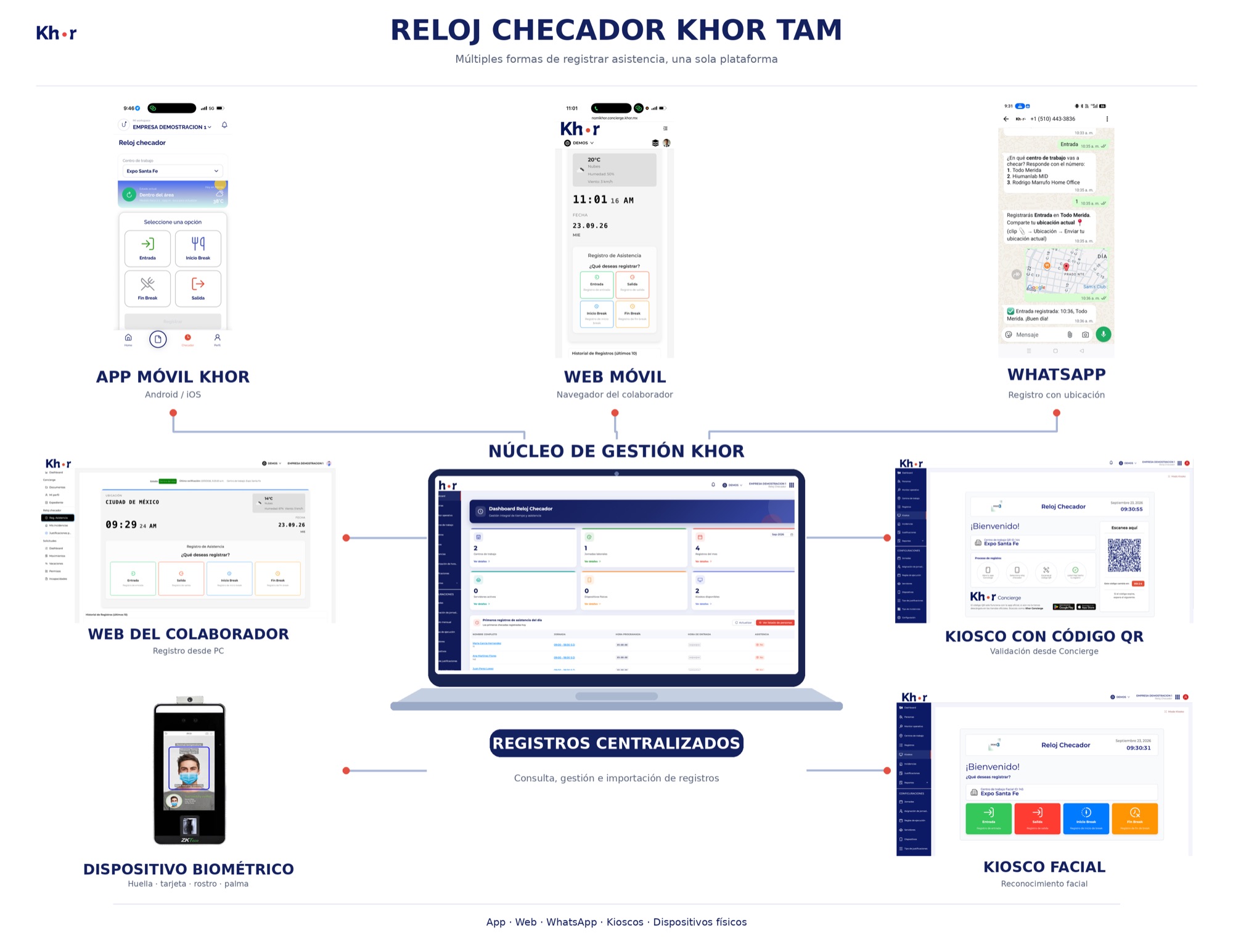
Khor TAM integrated attendance diagram
Every capture point sends punches to the Khor core; validated incidents flow from there to payroll.
Secure hosting
AWS cloudOption 1
Customer on-premise serverOption 2
Capture points
Khor mobile appAndroid · iOS
Mobile web and WhatsAppWith location
Employee webPC punch station
KiosksQR and face
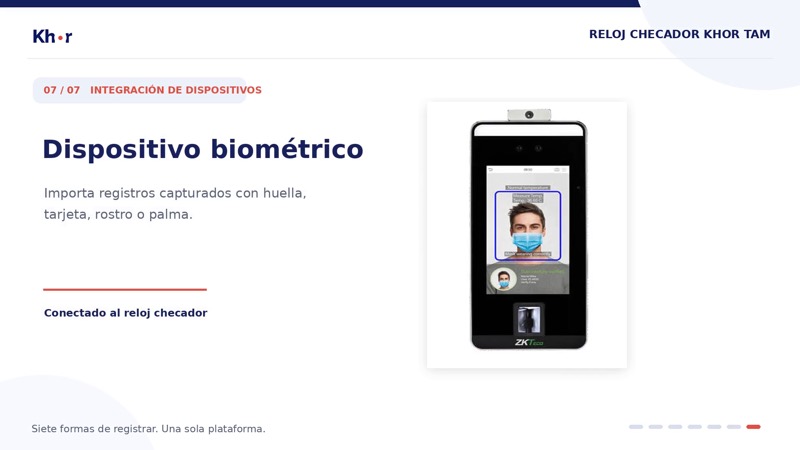
Biometric deviceFingerprint, face, palm, card
Khor management core
- Centralized punches
- Schedules and grace periods
- Absences, late arrivals, overtime
- Review and approval
Output
Payroll in NomikhorApproved incidents
Khor ConciergeJustifications with evidence
Features
Everything included Khor TAM
1Work sites and schedules
- Work site and location management.
- Geolocation and geofencing setup.
- Create and assign shifts and work schedules.
- Grace periods and incident policies.
- Works for offices, branches, field staff and remote work.
2Clock-in methods
- Attendance from the app with geolocation.
- Attendance app with face authentication.
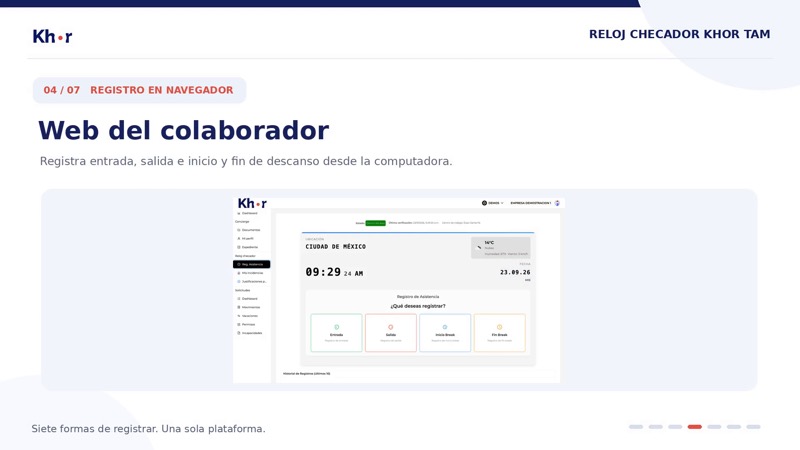
- Attendance from the web.
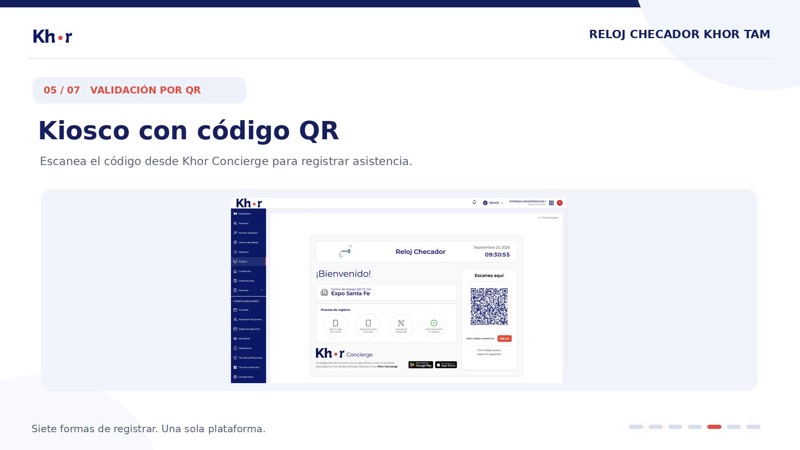
- Digital kiosk with QR code.
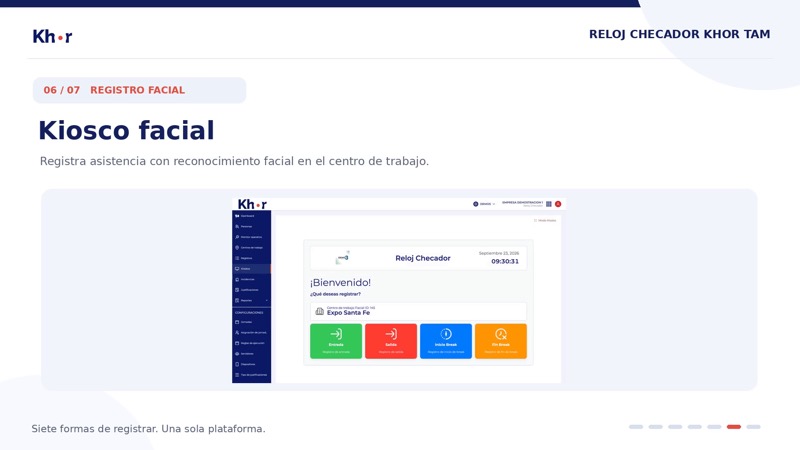
- Digital kiosk with face authentication.
- ZKTeco and BioStar devices, subject to compatibility.
- Clock in, clock out and break start/end.
- Attendance via WhatsApp* (extra per-use cost).
3Incidents and approval
- Automatic incidents based on schedules and rules.
- Absences, late arrivals and missing punches detected.
- Overtime and hours worked identified.
- Employees justify incidents with evidence.
- Managers review, approve or reject.
- History of punches, incidents and justifications.
4Reports and payroll link
- Dashboard and reports on attendance, incidents and time.
- View, import and export punches.
- User and punch sync with compatible ZKTeco devices.
- Approved incidents sent to Nomikhor for payroll.
Scope: Hardware is quoted separately; compatibility and authentication methods depend on the device. The payroll link requires Nomikhor. WhatsApp* is pay-per-use. The attendance app runs inside Khor Concierge; full self-service requires the Concierge module.
Frequently asked questions: Cloud time clock and attendance tracking
How does a cloud time clock work?
Your team clocks in and out from a phone, kiosk or biometric clock and punches reach the system online. With Khor TAM, attendance tracking calculates absences, late arrivals and overtime by schedule.
Does the time clock work for field and remote staff?
Yes. The attendance app uses geofences to validate location, so it works in offices, branches, the field and from home.
Can I use my ZKTeco time clock?
Yes, Khor TAM connects with compatible ZKTeco and BioStar devices. Hardware is quoted separately.
Get your price in seconds
One price per worker per month, 25% off when you pay yearly.